

Day of Code Toolkit: From Our Campus to Yours
Welcome to the Day of Code Toolkit
The Day of Code Toolkit is designed to help schools, districts, educators, and programs create accessible and inclusive Science, Technology, Engineering and Math (STEM) experiences for students with visual impairments. Whether you're planning a small classroom activity or a full campus event, this toolkit provides structure, ideas, and ready-to-use resources to support your planning.
Our goal is simple: make accessible STEM fun, meaningful, and doable - for everyone.
Start Here: Quick and Easy Planning Tools
If you're new to planning a Day of Code event or want a simple starting point, begin with these two short, friendly resources.
Quick Start Guide
A one-page overview showing how to run a small, stress-free Day of Code with just one activity, one space, and the materials you already have.
Hello World: Day of Code Quick Start Guide
 (Google Doc)
Planning Worksheet
A fillable worksheet to help you choose your date, location, activities, helpers, and materials. Perfect for organizing your thoughts before diving into the full toolkit.
Ready, Set, Code: Day of Code Planning Worksheet
(Google Doc)
Sample Filled Out Ready Set Code Planning Worksheet
(Google Doc)
These resources are ideal for teachers who want to start small, build confidence, and create meaningful experiences without needing a large team or extensive prep.
What Is a Day of Code?
A Day of Code is a flexible celebration of accessible computer science learning. Activities may include robotics, tactile programming, coding apps, makerspace stations, or unplugged Computer Science challenges - all adapted for students with visual impairments and students with multiple disabilities.
Events can be:
- A single lesson in one classroom
- A multi-station rotation for several classes
- A schoolwide or districtwide event
- Or anything in between!
Your Day of Code can be as simple or as ambitious as you choose.
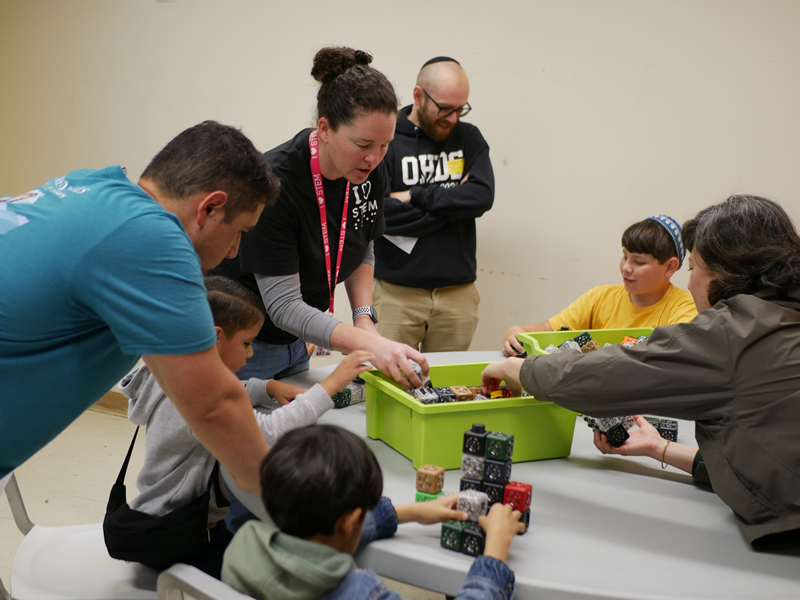
A group of students working on a project together at the CSB Day of Code 2025!
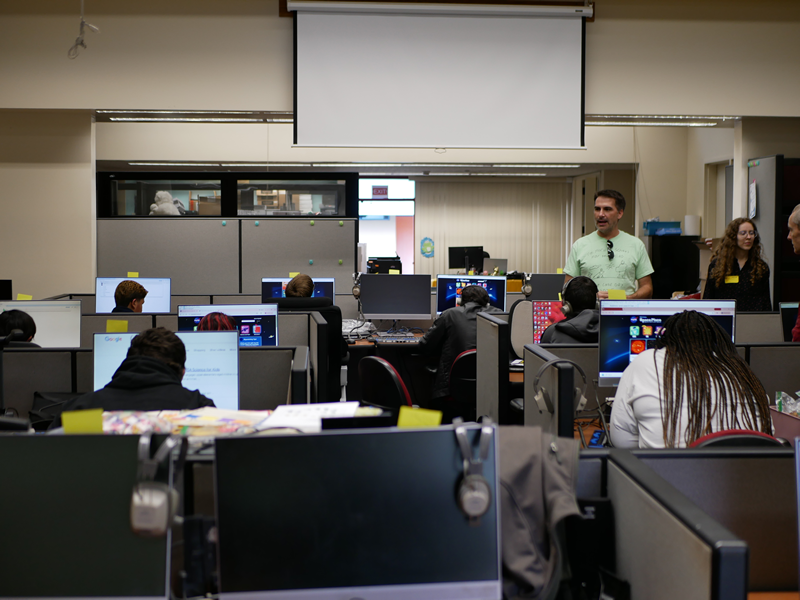
Students learning during the Day of Code 2025 event at the Tech Lab.
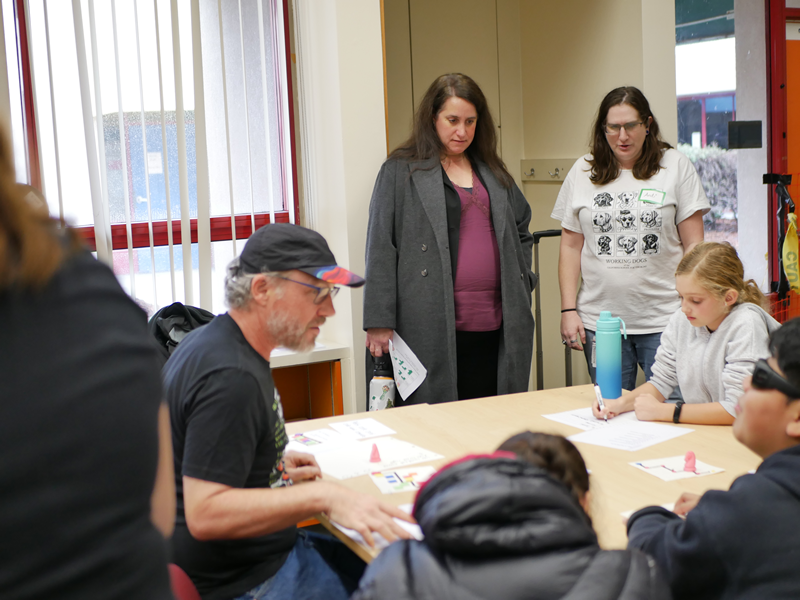
Students working on their projects at the Day of Code 2025!
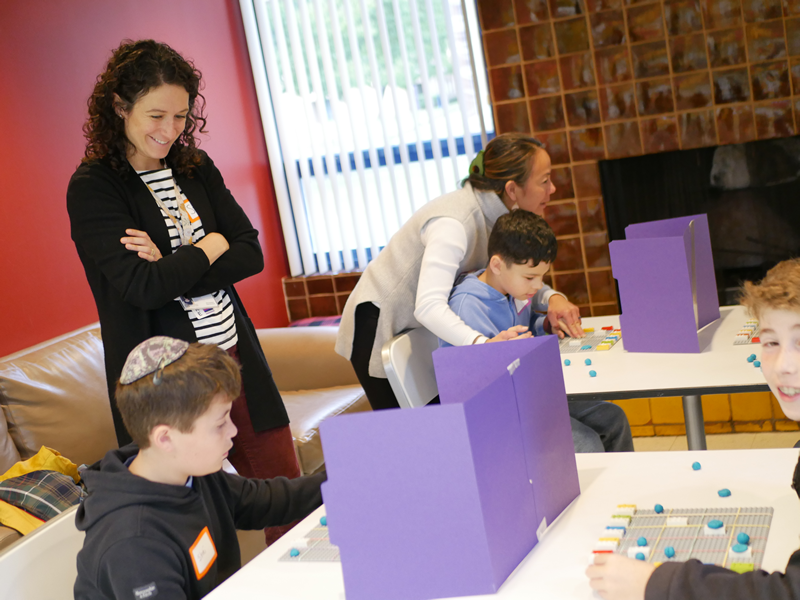
Students playing and learning at the CSB's Day of Code 2025!
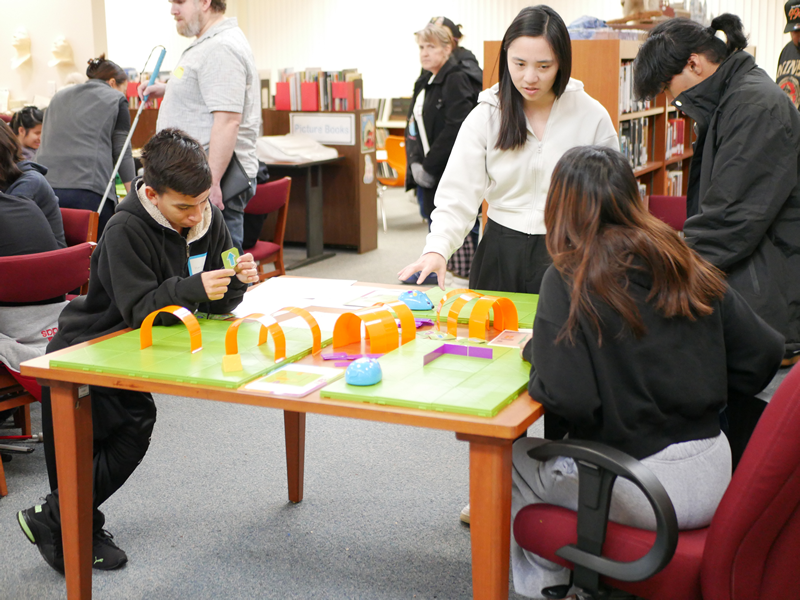
Exploring how coding works during our Day of Code 2025 event!
Building Your Day of Code: A Closer Look
Once you've explored the Quick Start resources, this section helps you expand your event. These pages offer guidance for planning activities, organizing volunteers, selecting spaces, and supporting a wide range of learners.
Use these materials when you're ready to:
- Scale your event
- Add multiple activity stations
- Coordinate staff and volunteers
- Integrate special schedules, accessibility needs, or larger groups
- Plan for a whole-program or whole-campus experience
You do not need to read every section - move through the guidance at your own pace and use the components that support your event.
Detailed Planning Guide: Steps, Templates & Logistics
The full Day of Code Toolkit includes four comprehensive guides to support your planning from start to finish. Each document includes checklists, examples, and templates you can adapt for your site.
Step 1: Initial Planning
Identify your audience, space, date, time, and staffing needs.
Includes: Five W’s worksheet, planning considerations, and a customizable checklist.
Step 1: Initial Planning
 (DOCX)
Day of Code Registration Form
(DOCX)
Step 2: Scheduling & Structure
Decide how long your event will run and how students will rotate through stations.
Includes: sample schedules, staffing models, and timing suggestions.
Step 2: Selecting Activities
(DOCX)
Day of Code Volunteer Sign Up Form
(DOCX)
Lesson Plan Template
Step 3: Activity Setup & Materials
Explore accessible activity options and prepare your materials.
Includes: activity descriptions, adaptations for VI learners, and material lists.
Step 3: Fun with Logistics
(DOCX)
Day of Code Schedule Template
(DOCX)
Step 4: Day-Of Procedures
Learn how to set up, welcome students, manage transitions, and close your event successfully.
Includes: event flow guidance, volunteer tips, safety considerations.
These resources are meant to guide you - not overwhelm you. Use them as references and choose the parts that best support your goals.
Step 4: Go Time
(DOCX)
Classroom Participation Template
(DOCX)
Lesson Roster Template
(DOCX)
Need Support?
The CSB Assistive Technology team is here to help.
If you have questions, want help brainstorming activities, or would like support customizing this toolkit, please reach out:
Allison Mello, Assistive Technology Specialist - amello@csb-cde.ca.gov
Max Avendano, Assistive Technology Specialist - mavendano@csb-cde.ca.gov
Shannon Stice, Assistive Technology Specialist - sstice@csb-cde.ca.gov
We're happy to collaborate with you as you plan your event - no question is too small.
Thank You for Bringing Accessible STEM to Your Students
Every Day of Code, no matter the size, helps students build confidence, curiosity, and a sense of belonging in STEM.
We're excited to support you in bringing meaningful, empowering experiences to your campus or program.
Want to learn more about California School for the Blind's Day of Code event? Please visit our Day of Code event page.
Events
- Short Course 2026-2027
- Social Skills Squad, Zoom, 10/01/2026
- Chocolate Factory Tour, In-Person, 10/29/2026
- A Day of Learning at CSB, In-Person
- White Cane Day 2026
Wednesday, 10/14/2026 - CAOMS
Saturday, 11/07/2026 - Day of Code
Thursday, 11/19/2026
- Summer Academies 2026
- General Tours (Google Form)
Please fill out the Google Form if you are interested in attending any of our General Tour days.
